AliExpress has been around for over 8 years, continuously striving to acquire new users and increase Daily Active Users (DAU). However, there have been few updates for our global audience.
We are thrilled to introduce a revamped sign-in and sign-up process, featuring an updated user interface and customized functionalities for users worldwide.
UX Team
Lack of Documentation: There is no detailed documentation for processes such as password recovery.
Reluctance to Change: Despite outdated designs, there were no critical issues prompting an immediate overhaul.
I began by thoroughly analyzing both the mobile app and desktop versions of AliExpress, identifying existing issues and potential improvements. This deep dive into the user journey helped me pinpoint areas that could bring significant commercial benefits through enhancement.
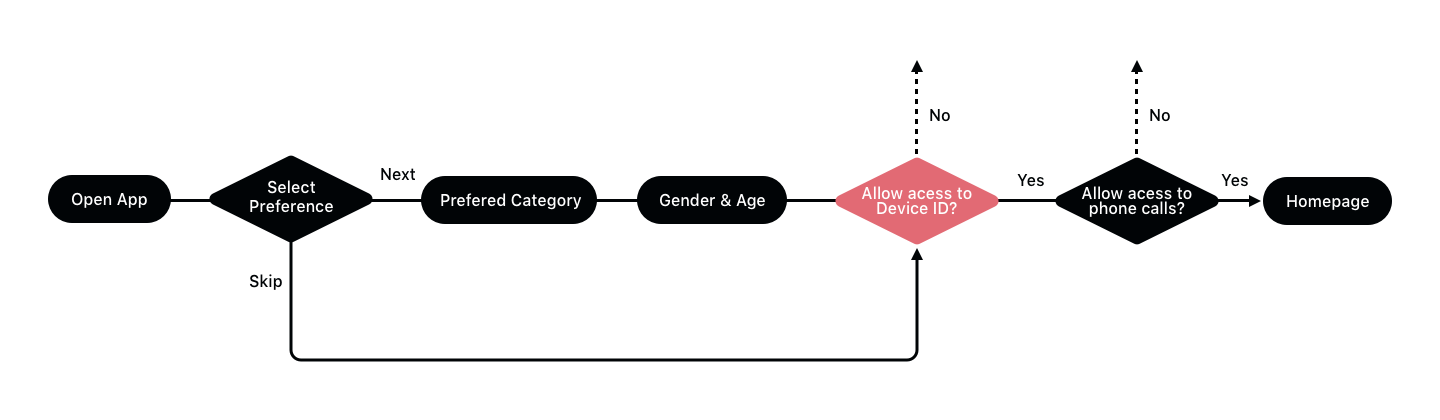
Competitor analysis is essential for gaining insights from other apps and websites. I reviewed various competitors as part of this analysis. You can view the complete competitor analysis here.

This redesign prioritizes focus and clarity, enhancing the mobile experience.
We have streamlined the design for both mobile and desktop platforms, enabling a cohesive look and feel. This unified approach allows developers across both platforms to collaborate efficiently, ensuring a seamless rollout.
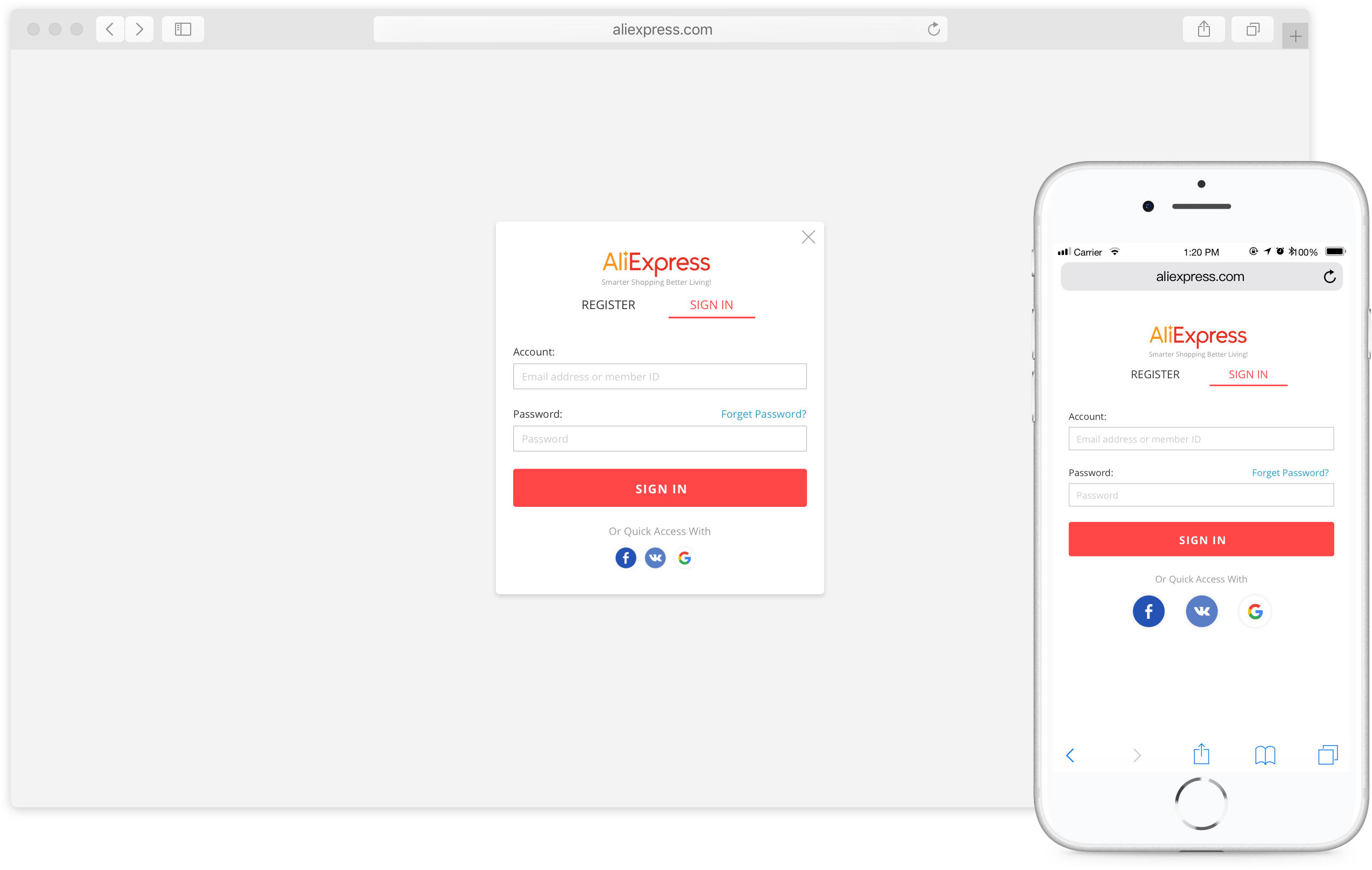
The app will now automatically suggest email suffixes when users type "@", tailored to their country. For example, Russian users might see @yandex.com, while US users will see @gmail.com.
User registration and login occur in various settings, from home to crowded public places. By default, passwords are hidden unless the user opts to make them visible, enhancing security and privacy.
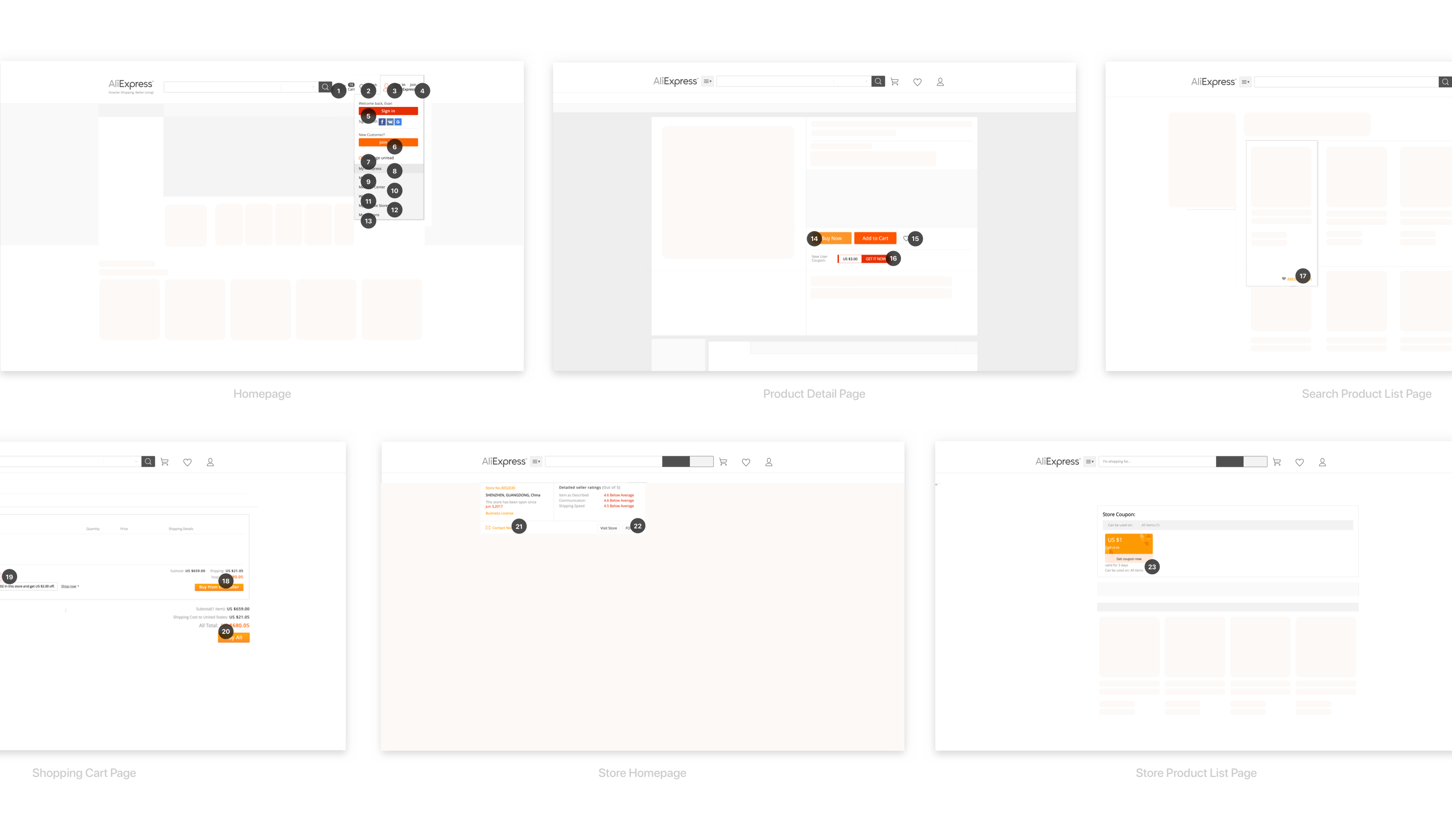
If a registered user tries to sign up again, a notification will appear, and the email address will automatically populate in the login screen, reducing the need for redundant input.
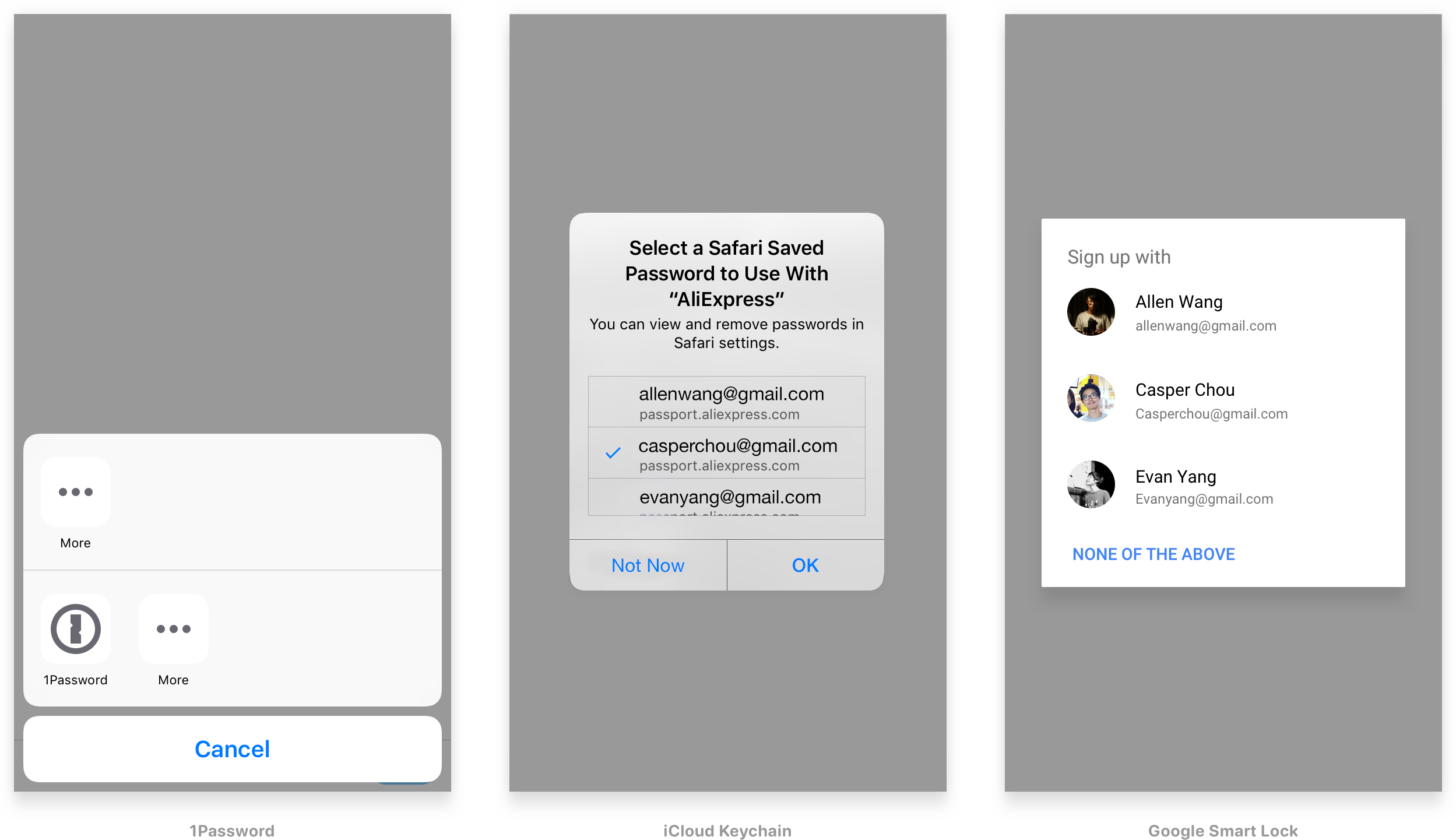
Integration with Google Smart Lock and Apple Keychain ensures a secure and convenient login experience.
1. Using "Register" and "Log in" instead of "Sign up" and "Sign in" for better clarity.
2. Email suffix recommendations vary by country.
3. Social network recommendations are also country-specific.